Infosel Hub
HomeExploreTutorialsWhat's new

Professional tools,
simple to use

Everything a Mexican market investor needs: advanced charts, customizable tables, an AI assistant, and news—in real time.

Equities, funds, and ETFs

Access the complete financial profile of any instrument instantly

From valuation metrics and historical performance to the internal composition of funds and ETFs—everything in one place to make informed decisions.

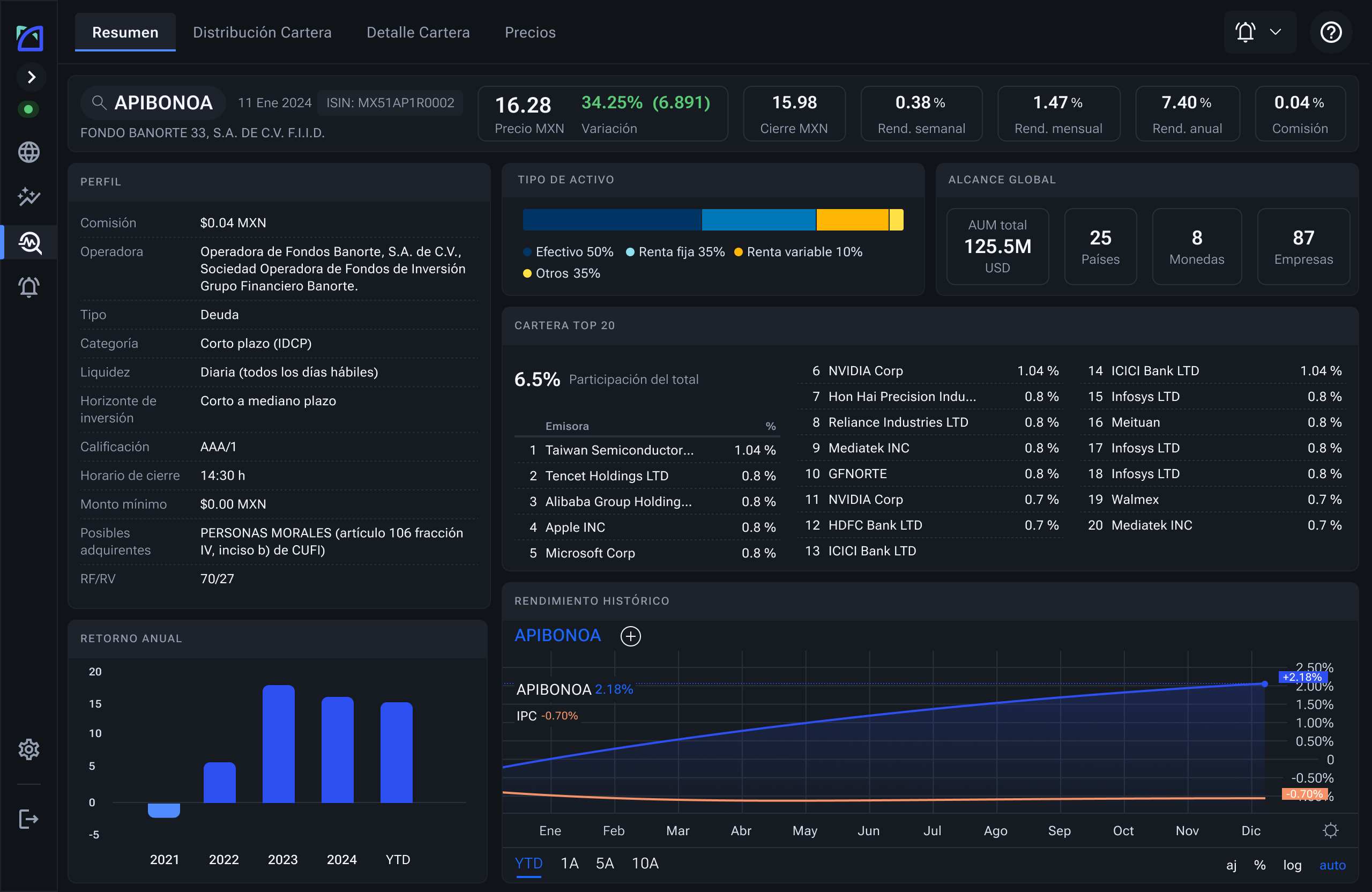
Hub fund summary: profile, portfolio, and historical performance
Real-Time Information

Market data

  • Real-time BMV and BIVA prices
  • U.S. Stock Exchanges: NYSE and Nasdaq
  • Consolidated BMV and BIVA order books

Indices

  • Major national and international stock indices
  • Global economic indicators

Currencies

  • Real-time exchange rates
  • Major international currency pairs

Benchmark rates

  • Central bank interest rates
  • National and international benchmark rates

Debt market

  • Government debt
  • Private debt
  • Bank or corporate bonds

Funds and ETFs

  • Real-time data for investment funds and ETFs

News and calendar

  • National and international news
  • Specialized editorial team
  • Articles in Spanish and English
  • Classification by sector, trend, and most read
  • Economic calendar

Issuer profiles

  • Order book, intraday, and historical prices
  • Dividends, financials, and issuer summary
  • Related news and sector analysis
  • Analyst recommendations and reports
Advanced Features

Advanced charts · TradingView

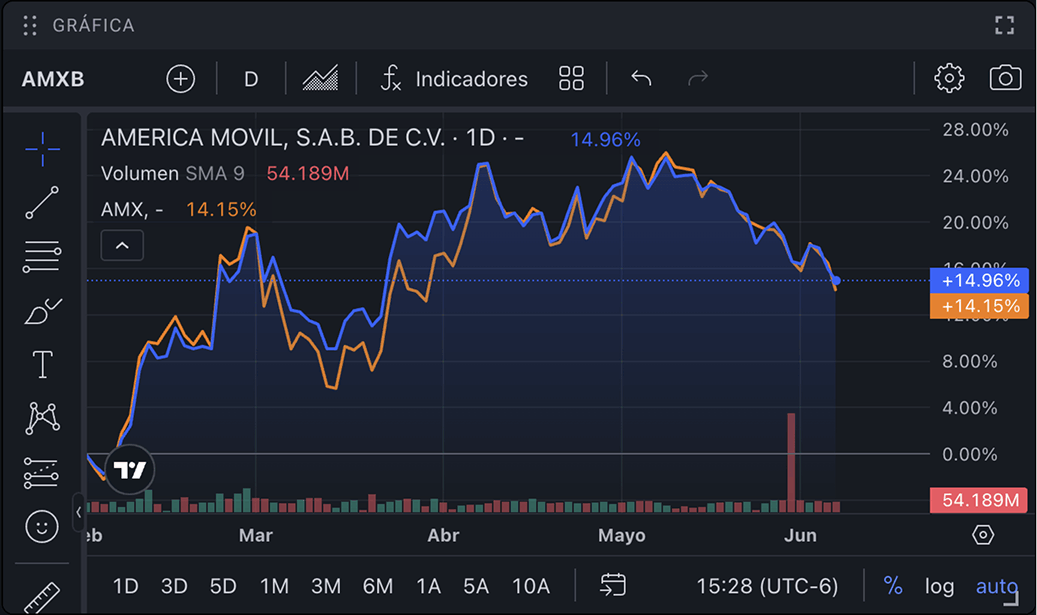
  • Full chart with historical and intraday tracking
  • Technical analysis with 100+ tools
  • Watchlists in a single panel
  • Chart synchronization when selecting an asset from the watchlist
  • Multi-panel with up to 8 charts

Lookthrough for Funds and ETFs

  • Composition analysis by asset, sector, currency, and region
  • Full transparency of the underlying portfolio

Portfolio

  • Real-time valuation of registered positions
  • Periodic performance monitoring

Excel Add-in

  • Real-time, delayed, or end-of-day data directly in Excel
Advanced charts

Charts that speak your technical language

Everything you need to read, measure, and anticipate market movements in one place.

+100 indicators
90 drawing tools
Customizable spaces

Organize and visualize information your way

Tailor each space to your tracking and decision-making strategy.
Custom cards. Combine cards with data from different financial instruments
Export to Excel. Take your data for further analysis.
Custom Hub workspaces
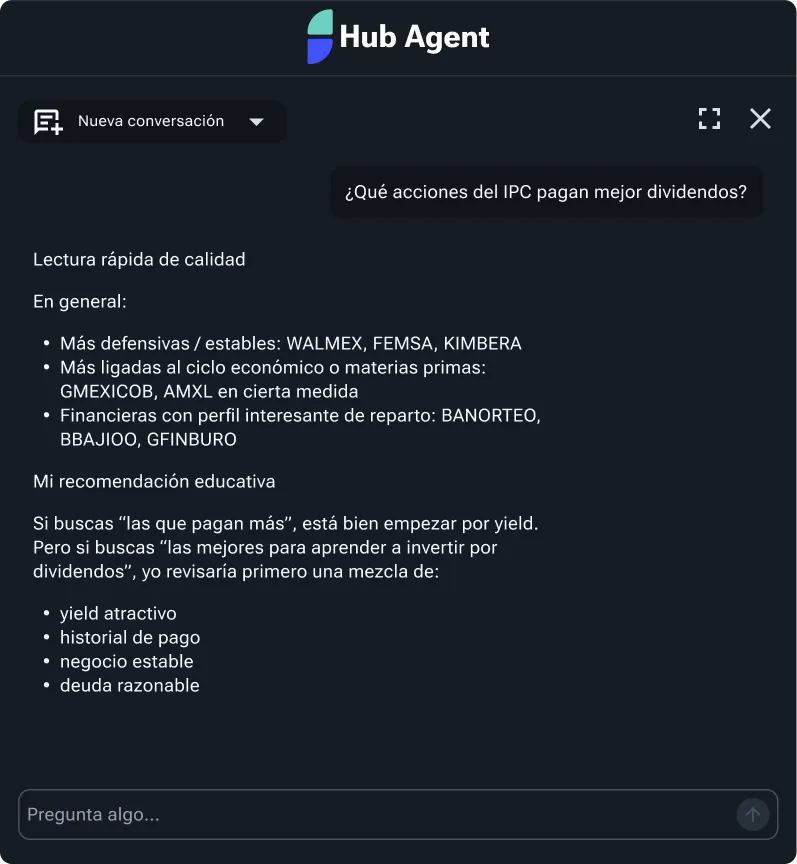
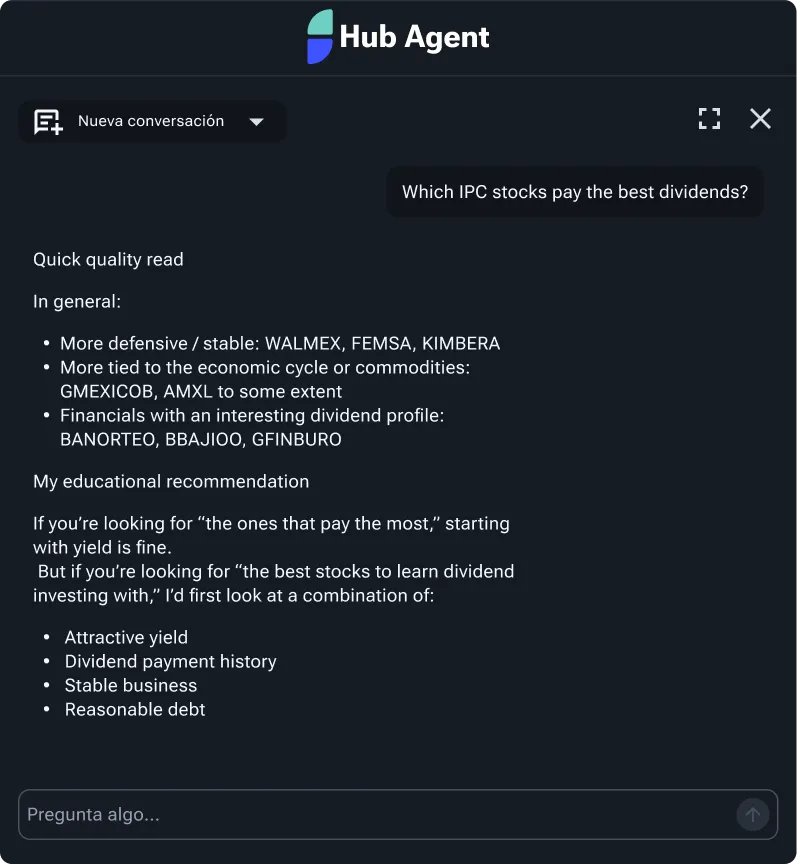
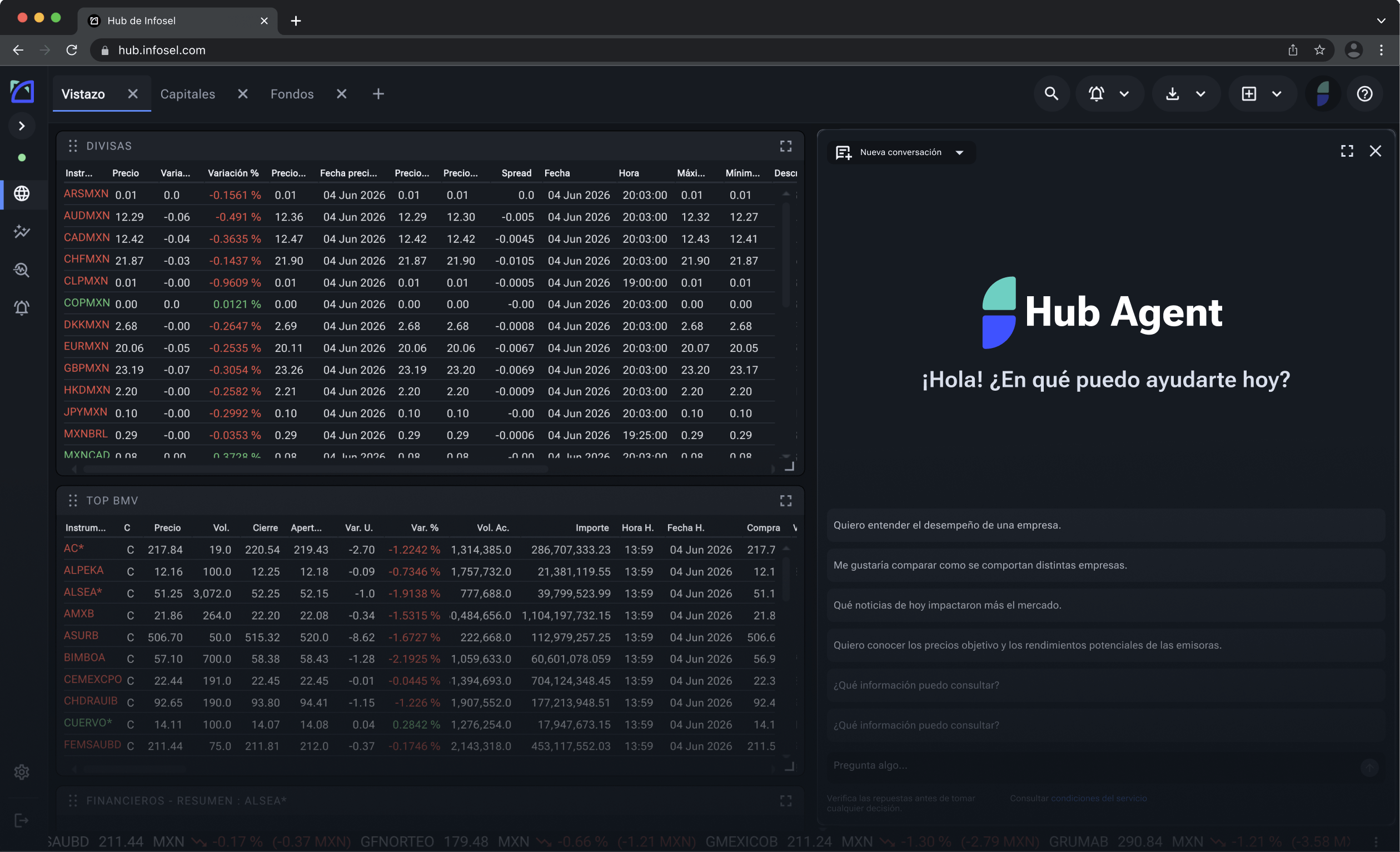
Hub Agent: smart advisor responding in natural language
Smart advisor

Ask the market in natural language

Hub Agent combines Infosel data with AI to provide you with analysis, context, and interpretation tailored to your profile.

Answers with verified data and sources
Connect to your cards and workspaces
Real-time news

The pulse of the market, by the minute

Over 100 financial news stories daily. Exclusive coverage from Infosel, integrated into your analysis.

Hub Real-Time News Widget
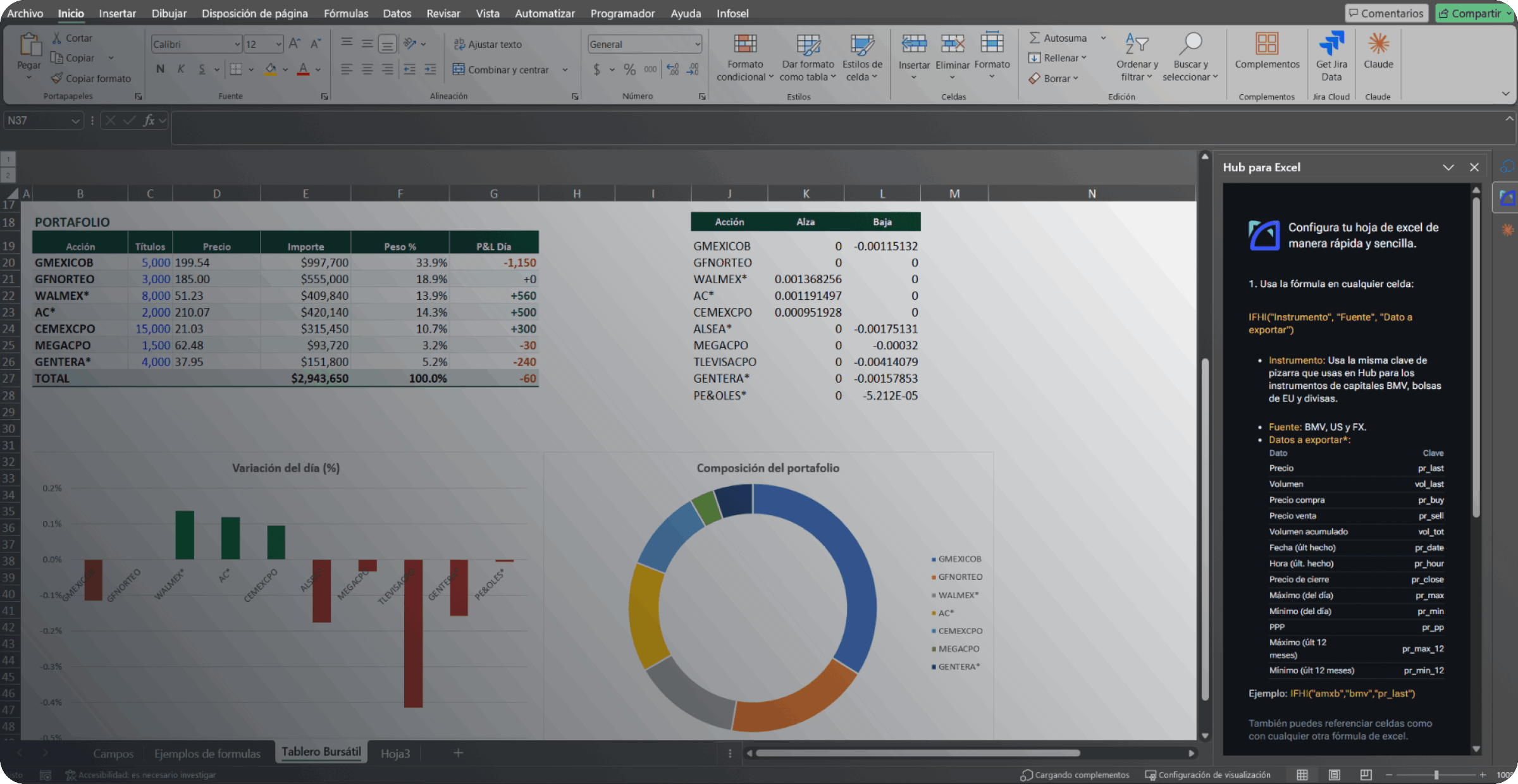
Hub for Excel

Hub for Excel

Export market data to Excel in real time

Connect Hub to your spreadsheets and access prices, volumes, and market data that update automatically, without leaving Excel.

Real-time, delayed, or end-of-day data

BMV, U.S. stock exchanges, and currencies

Compatible with any spreadsheet

Multi-platform

Available on all your devices

The market with you, wherever you are.

Web

Access from any browser with no installation required

Tablet

Interface optimized for on-the-go analysis

Minimum system requirements

Supported browsers

  • Chrome 83.0.4103 — May 2020
  • Firefox 78.0 — June 2020
  • Edge from January 2020

Hub for Excel

  • Office 2016 Pro and Pro Plus: manual Manifest installation (contact Infosel support)
  • Office 2019 and later up to 365: installation from the Microsoft Store

Hardware

  • Processor 1.9 GHz x86/x64 dual core
  • Memory 4 GB RAM
  • Display 1024 × 768

Ready to explore Hub?

Start your 14-day free trial and discover everything the platform can do for you.